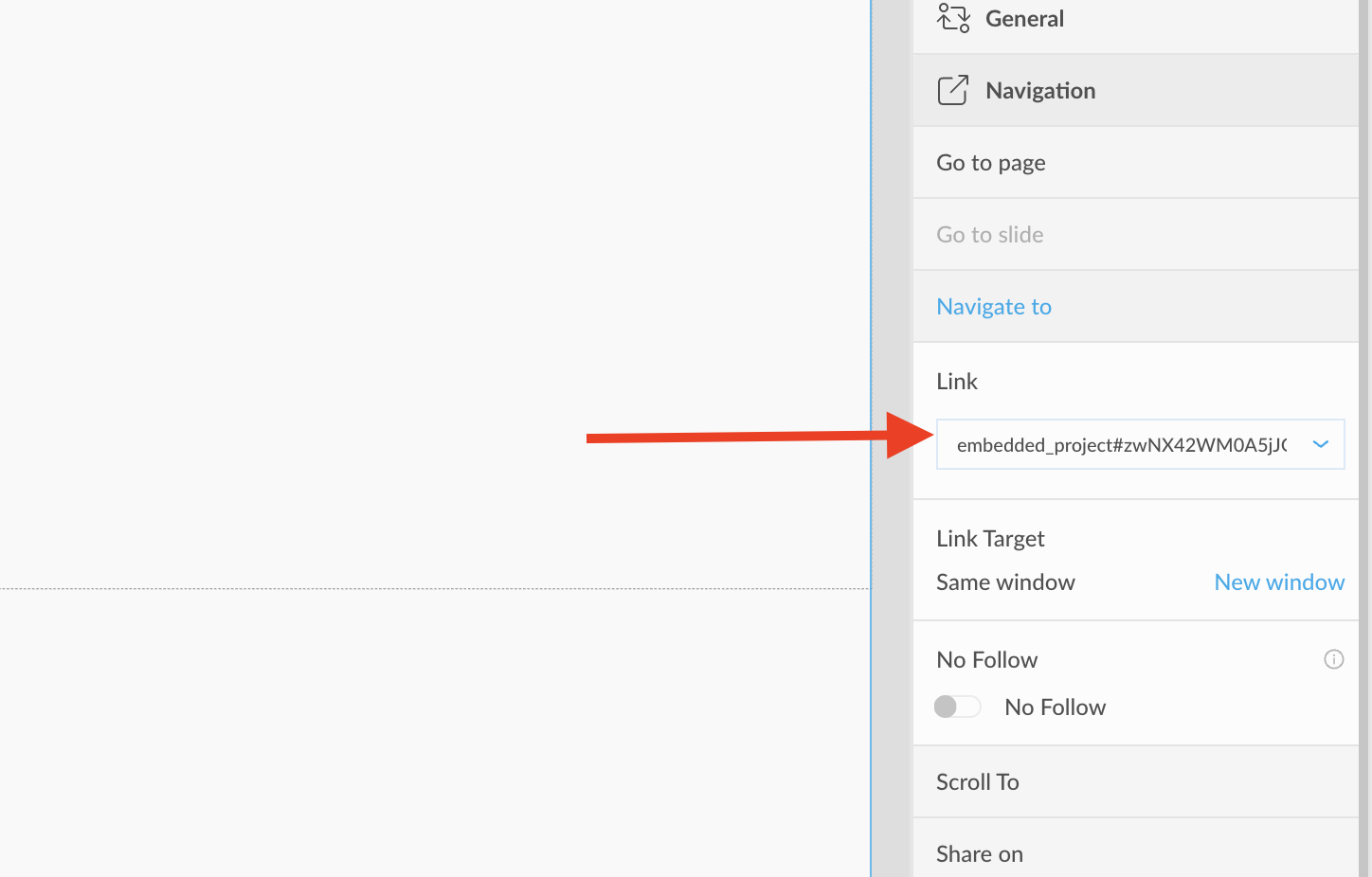
How to link Storied Express project
What is a Storied Express project?
Storied Express is a project type created from a PDF or PowerPoint file uploaded to Storied. You can identify these projects by the PDF or PPTX icon in the top-left corner of the project tile.
How to add a Storied Express widget to your project:
- Open the Add Media panel, expand the Embed tab, and select Storied widget.

-
Choose your preferred thumbnail type.
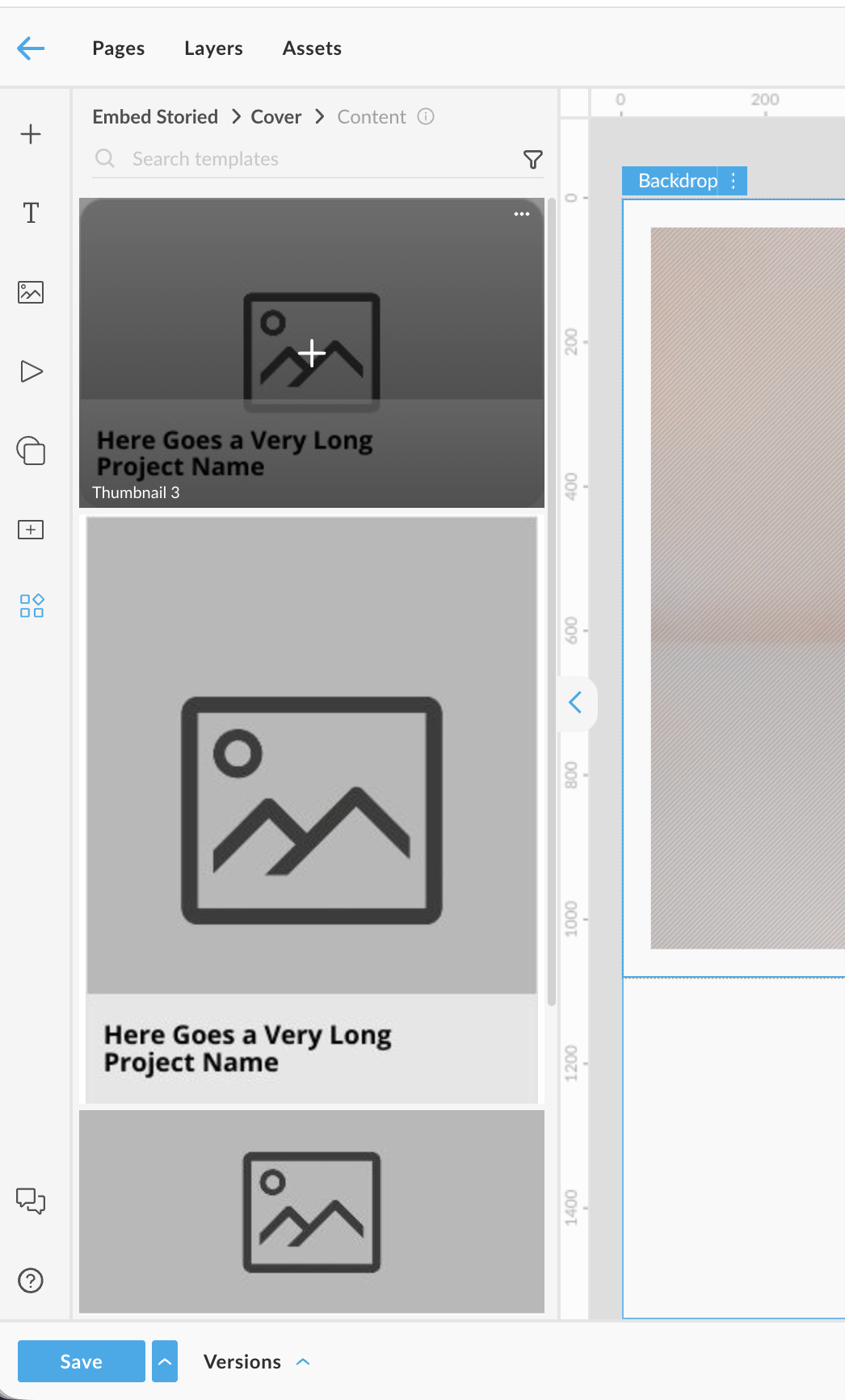
-
Select the document or project you want to embed.
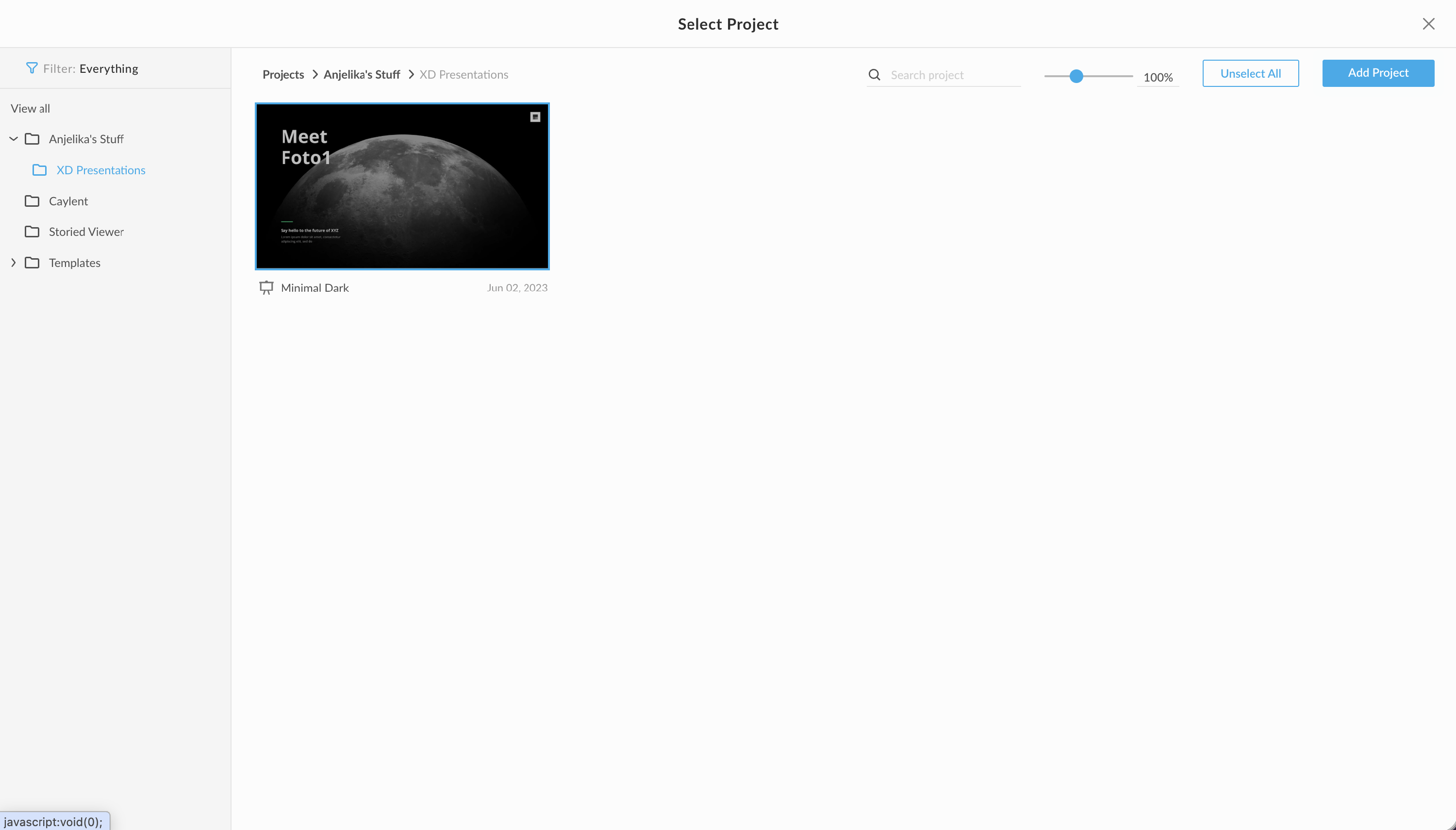
-
If you prefer to use your own design, you can copy the embed URL and add it through the Action panel instead.